
Profile Knife Grinder Drawing File Preparation for Jordan Cabinet Makers | Weizhihao
Learn how Jordan cabinet makers prepare profile knife grinder drawing files for moulder knives. Tips on geometry, communication, and custom cutter setup.
Profile Knife Grinder Drawing File Preparation for Jordan Cabinet Makers
For Jordan cabinet makers investing in a profile knife grinder, accurate drawing file preparation is the foundation of efficient moulder knife production. Whether you are producing custom door profiles or intricate mouldings, clear communication of knife geometry to your grinding machine supplier ensures repeatable quality and reduces setup time. This guide covers the essential steps for preparing profile drawings, common pitfalls, and how to align with your grinder’s capabilities.
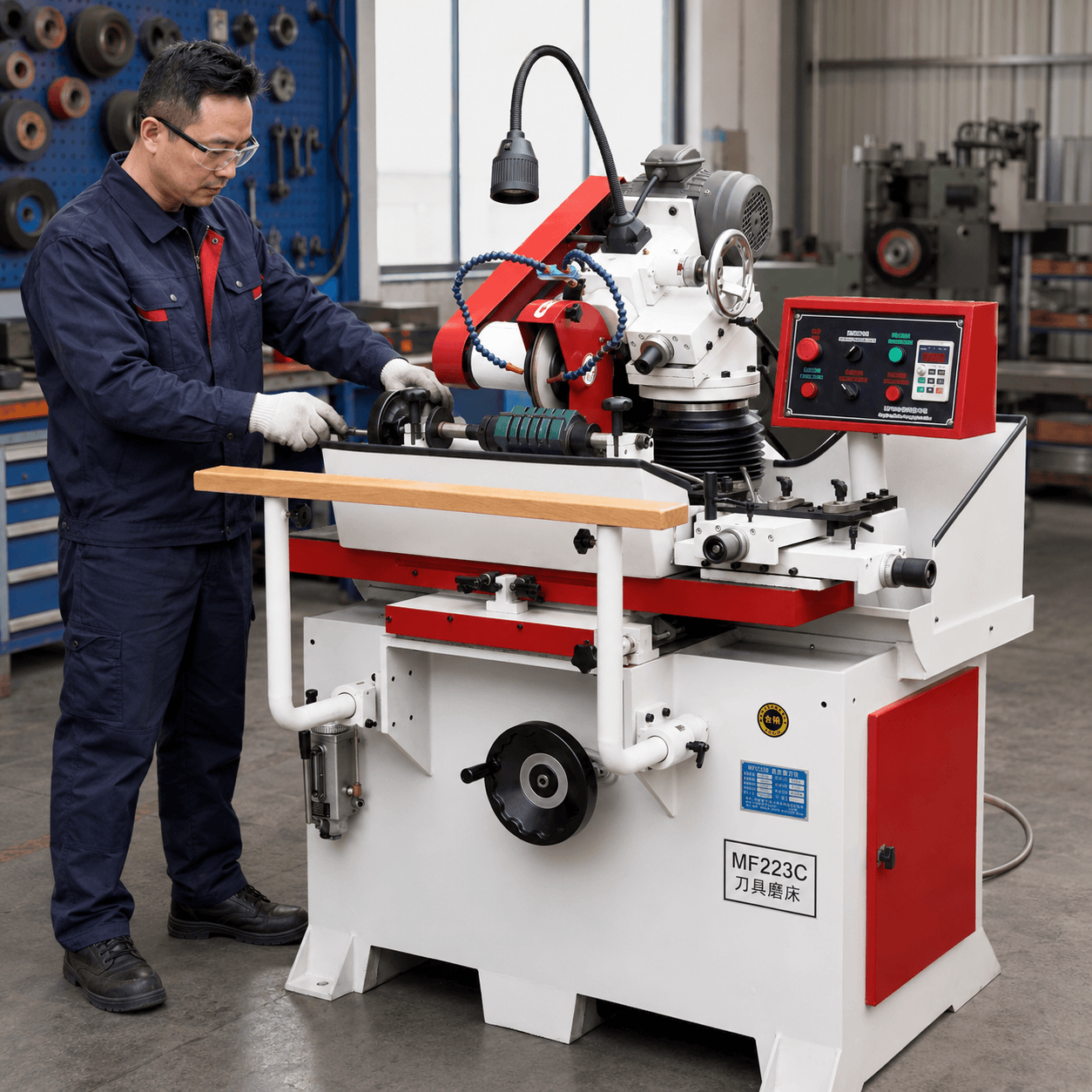
Why Drawing File Preparation Matters for Your Profile Knife Grinder
A profile knife grinder relies on precise digital or hand-drawn templates to shape the cutting edge. Without proper profile drawing preparation, even the best machine will produce inconsistent results. Jordan cabinet makers often work with complex moulder knife geometry, including back relief angles, hook angles, and profile depth. A well-prepared drawing file allows the grinder operator to set up the machine correctly, minimizing trial runs and material waste.
Key Elements of a Profile Drawing File
- Profile outline: Include all critical dimensions such as width, depth, and radius of each curve.
- Angle specifications: Clearly mark hook angle, clearance angle, and any bevels.
- Material reference: Note the knife steel type and hardness, as this affects grinding wheel selection.
- Scale and orientation: Use a consistent scale (e.g., 1:1) and indicate the direction of rotation.
Common File Formats and Tools
Most modern profile knife grinders accept DXF, DWG, or PDF files. For Jordan cabinet makers without CAD software, hand-drawn templates on graph paper can be scanned and digitized. Weizhihao’s profiling knife sharpening machines support a wide range of input formats, making it easy to integrate into your workflow.
Best Practices for Custom Cutter Communication
When ordering custom cutters or sharing files with your grinding machine manufacturer, follow these steps:
- Double-check symmetry: For paired knives (e.g., cope and stick), ensure left and right profiles are mirrored correctly.
- Include a reference sample: If possible, send a physical sample of the desired profile along with the drawing.
- Specify tolerances: Indicate acceptable deviation (e.g., ±0.1 mm) for critical dimensions.
- Use a template holder: Many profile grinders use a template follower; ensure your drawing matches the template holder dimensions.
For more guidance, visit our buyer FAQ on profile grinding setup.
Common Mistakes in Profile Drawing Preparation
- Missing relief angles: A profile that looks correct in 2D may not cut properly without proper clearance.
- Inconsistent scaling: Mixing metric and imperial units can lead to costly errors.
- Ignoring machine limits: Check your grinder’s maximum knife width and grinding wheel diameter before finalizing the drawing.
Weizhihao’s universal tool grinders offer flexibility for various profile sizes, but always verify capacity beforehand.
How Weizhihao Supports Jordan Cabinet Makers
Weizhihao Machinery provides complete solutions for profile knife grinding, from machine selection to after-sales support. Our product range includes manual and CNC profile grinders that accept standard drawing files. We also offer training on drawing preparation and machine operation to ensure your team achieves consistent results.
FAQ: Profile Knife Grinder Drawing File Preparation
FAQ: What file format should I use for my profile knife grinder drawing?
DXF is the most widely accepted format for profile knife grinders. If you do not have CAD software, a scanned hand drawing in PDF can often be used after digitization. Check your machine’s manual for supported formats.
FAQ: How do I specify moulder knife geometry in a drawing?
Include the hook angle, clearance angle, and profile depth. Use cross-section views to show the knife shape clearly. Label all critical dimensions and tolerances.
FAQ: Can I send a physical sample instead of a drawing?
Yes, many suppliers accept physical samples. However, a digital drawing is preferred for accuracy and repeatability. Combining both is the best approach.
FAQ: What if my profile is too complex for a standard grinder?
Contact Weizhihao for custom solutions. Our profiling knife sharpening machines can handle complex profiles with proper template preparation.
Ready to Optimize Your Profile Grinding?
Accurate drawing files save time and money. If you need assistance with profile preparation or want to discuss the right grinder for your Jordan cabinet shop, contact Weizhihao for a consultation.